Set up a Elgato Stream Deck for Ubuntu 20.04
Many thanks to my friend Aaron, I now have a stream deck on my desk. Since there is no official software for Linux systems, I used streamdeck_ui which is compatible with Linux to setup the deck.
Specs:
- Stream Deck Model: 20GAA9901
- OS: Ubuntu 20.04
I followed the installation manual steps and there was no issue with ubuntu 20.04. Even though I am using GNOME shell, I didn’t have to install the KStatusNotifierItem/AppIndicator Support as suggested, the tray icon just showed up fine.
After setting up the deck, I included the streamdeck to autostart as suggested so it doesn’t always take a place in the terminal, basically just go to Startup Application Preferences -> Add -> Command streamdeck -n. The argument -n is to not show the configure window when start.
Some useful commands:
Open google calendar (or any other page) in google chrome
1
google-chrome https://calendar.google.com/
Open incognito page in chrome (wink*
1
google-chrome --args --incognito "https://www.google.com"
Lock screen
1
gnome-screensaver-command -l
Turn off the laptop
1
poweroff
My setup:
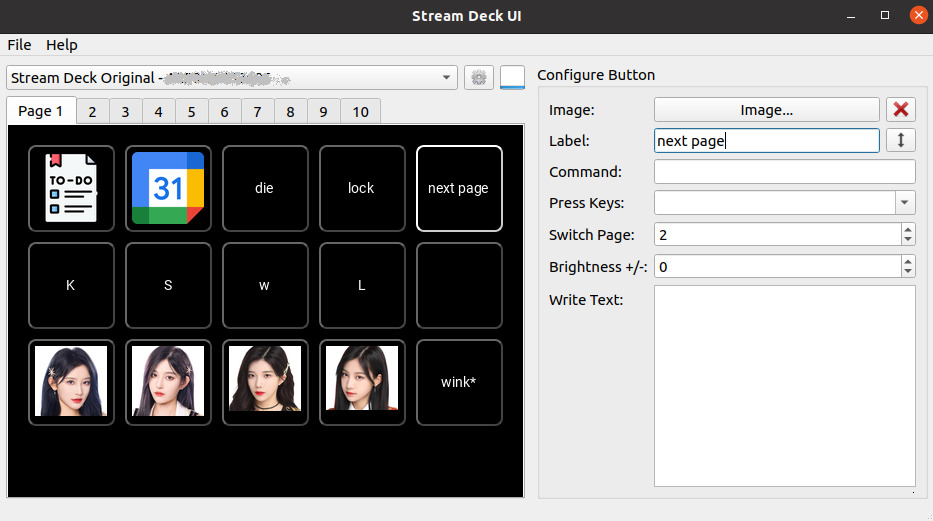
I think everyone has their preferred settings. My first page has my to-do list and google calendar, with a turn-off button and lock screen. Most importantly, four headshots from my favorite C-pop girl group. What kswl means? if you know, you know.
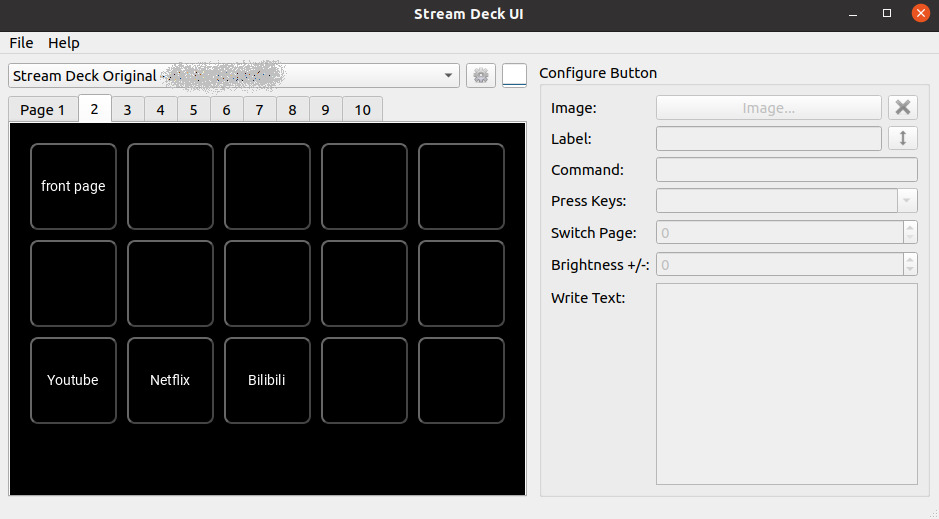
My second page is for entertainment. It only has buttons for youtube, Netflix, and bilibili by now. Just couldn’t bother to type those addresses.